What you hear, you can see, share and practice together.
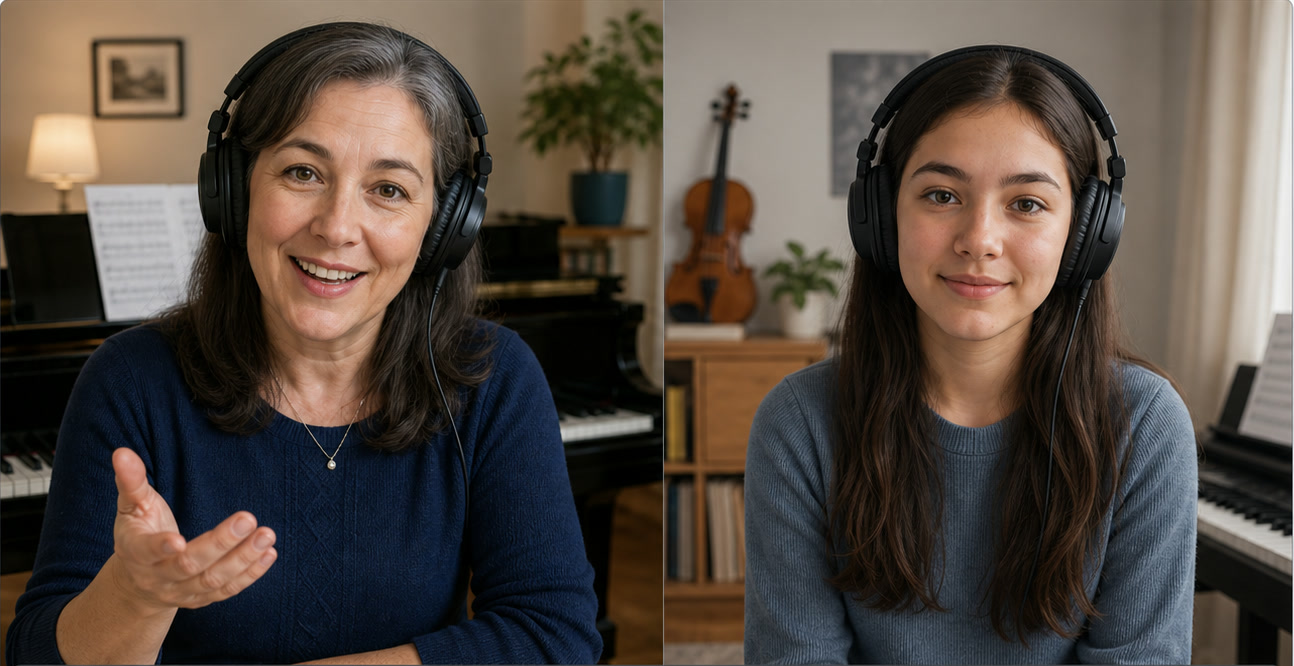
A complete lesson workspace for musicians. Keep your student, score, camera, piano, notation, and teaching tools together—so every lesson can stay focused on the music.
Tacet Lessons is currently in development
Try the actual Tacet Lessons app
Play notes to analyze their chord structure
Open a room and read the one-time code to your student.
The Classroom demo is ready.
One classroom · the right tool in one key
Shape the room around the lesson.
Every panel in Tacet Lessons can step forward when the musical moment needs it. A teacher can call up the metronome, harmony, score viewer, piano, or camera with a hotkey, then return to the full lesson without breaking the conversation.
The working details
Built for the most important connection.
Contact Tacet for current device support, release requirements, price, and license terms.
- Primary platforms
- iPad, Mac, and Windows
- Input
- Core MIDI controller
- Musical display
- Live staff, chord and scale recognition, chord-scale and Hindemith analysis
- Sound
- Locally stored Salamander Grand Piano: a Yamaha C5 sampled by Alexander Holm at 48 kHz/24-bit across 16 velocity layers, using two AKG C414 microphones in an AB pair above the strings.
- Score viewer
- PDFs and images with zoom, pen, highlighter, eraser, and notes
- Lesson connection
- One-time room code with encrypted MIDI, chat, camera, and audio
- Account
- No account required for the core lesson workflow
Before the first lesson
Questions worth answering plainly.
A calm product page should reduce uncertainty as carefully as the product reduces setup.
Do I need an account to join a lesson?
No. The host opens a room and shares a one-time code. MIDI, chat, video, and audio travel over one TLS-encrypted link rather than through a permanent student or teacher profile.
Does Lessons grade what I play?
No. It is designed to show and name musical information, not turn a lesson into a score. Interpretation and feedback remain with the people in the room.
What keyboard can I use?
Lessons supports Core MIDI controllers. Check the access page for the current operating-system, hardware, and adapter requirements.
Is the piano sound streamed?
No. The sampled grand piano is downloaded once and stored locally, so ordinary playing does not depend on streaming a sound library.
Which devices are supported?
Tacet Lessons supports iPad, Mac, and Windows. Contact Tacet for current hardware and operating-system requirements.
Tacet Lessons
Let your online lesson come together in one place.
Contact Tacet for current release and compatibility details, or explore the practice workspace built from the same principles.